Ceramic serving bowl
Make the list. Share the plan.Free. Anonymous. No account needed.
Add the gifts you would genuinely enjoy, send one link, and let guests coordinate without spoiling the surprise.
2 available, 1 reserved, 3 total
- Linen napkin set
- Recipe book
Pick up where you left off
Lists you create or visit stay close on this device.
No recent lists yetCreate a list or open a shared link and it will appear here.
One list, from idea to celebration
Create it, share it, then let availability do the coordinating.
Write down what would help
Name the moment, choose a date, and add specific gift ideas that feel useful to you.
- Moment
- Sunday lunch
- Date
- 18 October
- Gift ideas
- Specific and useful
Send one guest link
Guests open the same live list, so the plan stays together even when the conversation moves elsewhere.
Let availability do the talking
A gift shows whether it is still open or already reserved. Guest names stay out of the list owner's view.
Available to chooseAlready reserved
Useful before you share
Short guides for making a list clear, personal, and easy for guests to use.
Browse every guide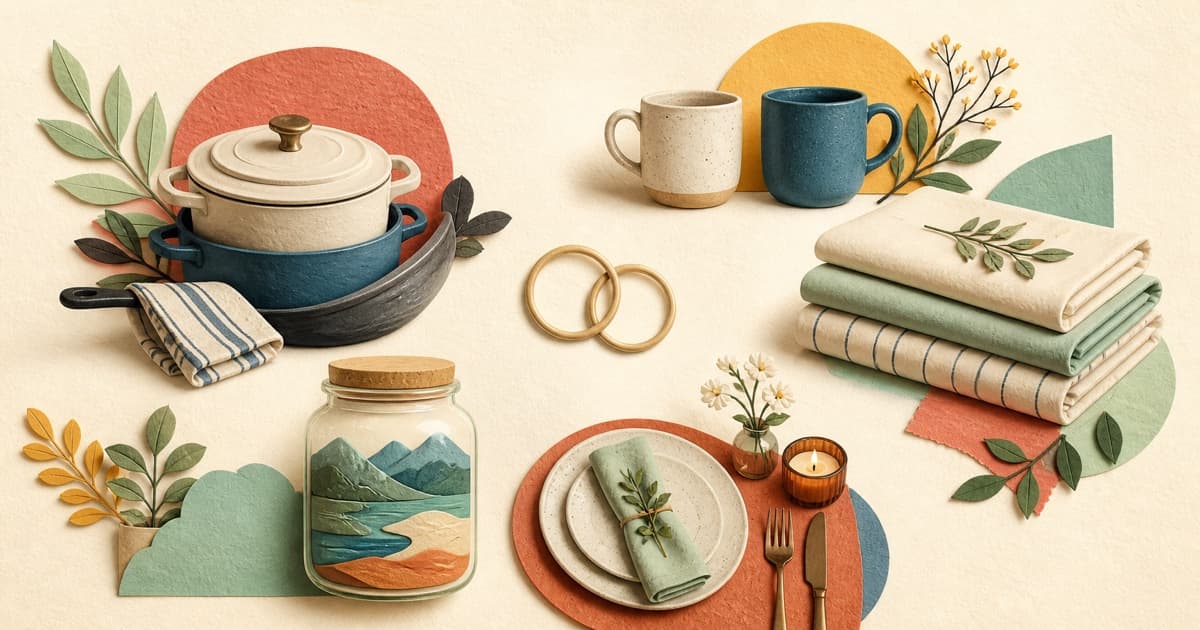
Wedding wishlist for couples who already live together
Thoughtful wedding gift ideas for couples who already share a home and do not need a traditional registry from scratch.
wedding wishlist
How to use emojis to make your wishlist more fun
Simple ways to add personality, organize gift ideas, and keep your wishlist clear with well-chosen emojis.
wishlist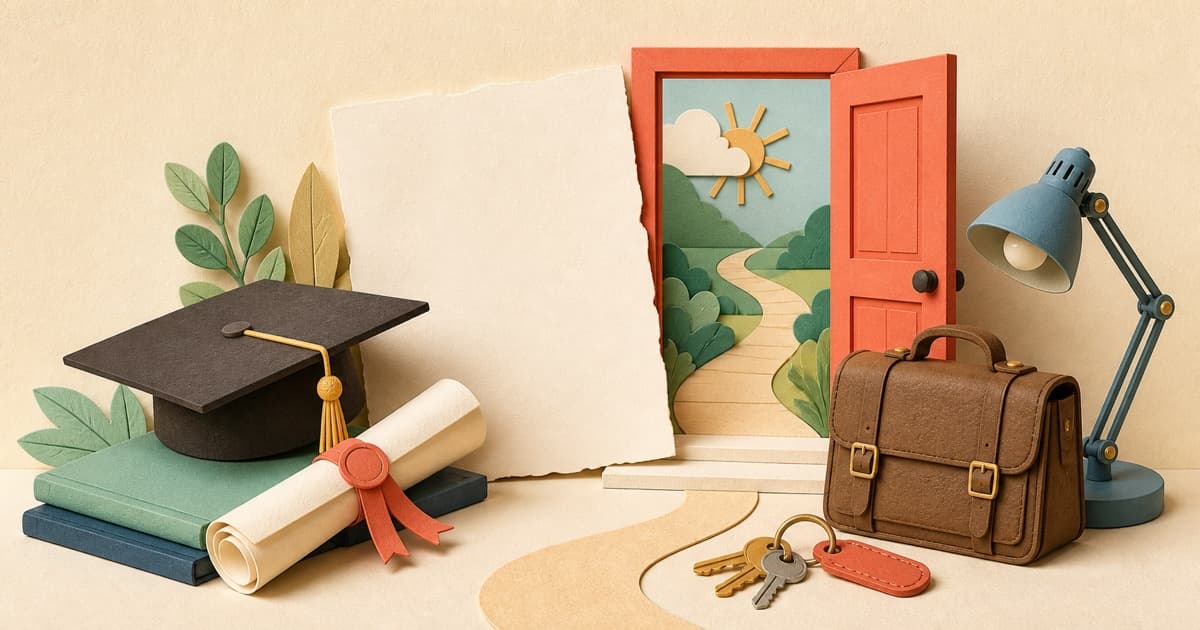
Graduation wishlist: practical gifts for the next chapter
A useful graduation gift guide for work, further study, moving, commuting, and celebrating a major milestone.
graduation wishlistQuestions people ask before starting
Straight answers about accounts, sharing, reservations, and editing.
Your next list can start here.
Name the moment. Add the gifts. Send the link.